Ghost Theme
- SCSS 64.1%
- Handlebars 23.6%
- JavaScript 12.3%
| .github | ||
| assets | ||
| locales | ||
| partials | ||
| src | ||
| .gitignore | ||
| author.hbs | ||
| default.hbs | ||
| Gruntfile.js | ||
| index.hbs | ||
| LICENSE | ||
| package-lock.json | ||
| package.json | ||
| page.hbs | ||
| post.hbs | ||
| README.md | ||
| tag.hbs | ||

Attila
A content focused responsive theme for Ghost. See a demo at: attila.zutrinken.com
If you like this theme, you can buy me a coffee beer.
📷 Screenshots
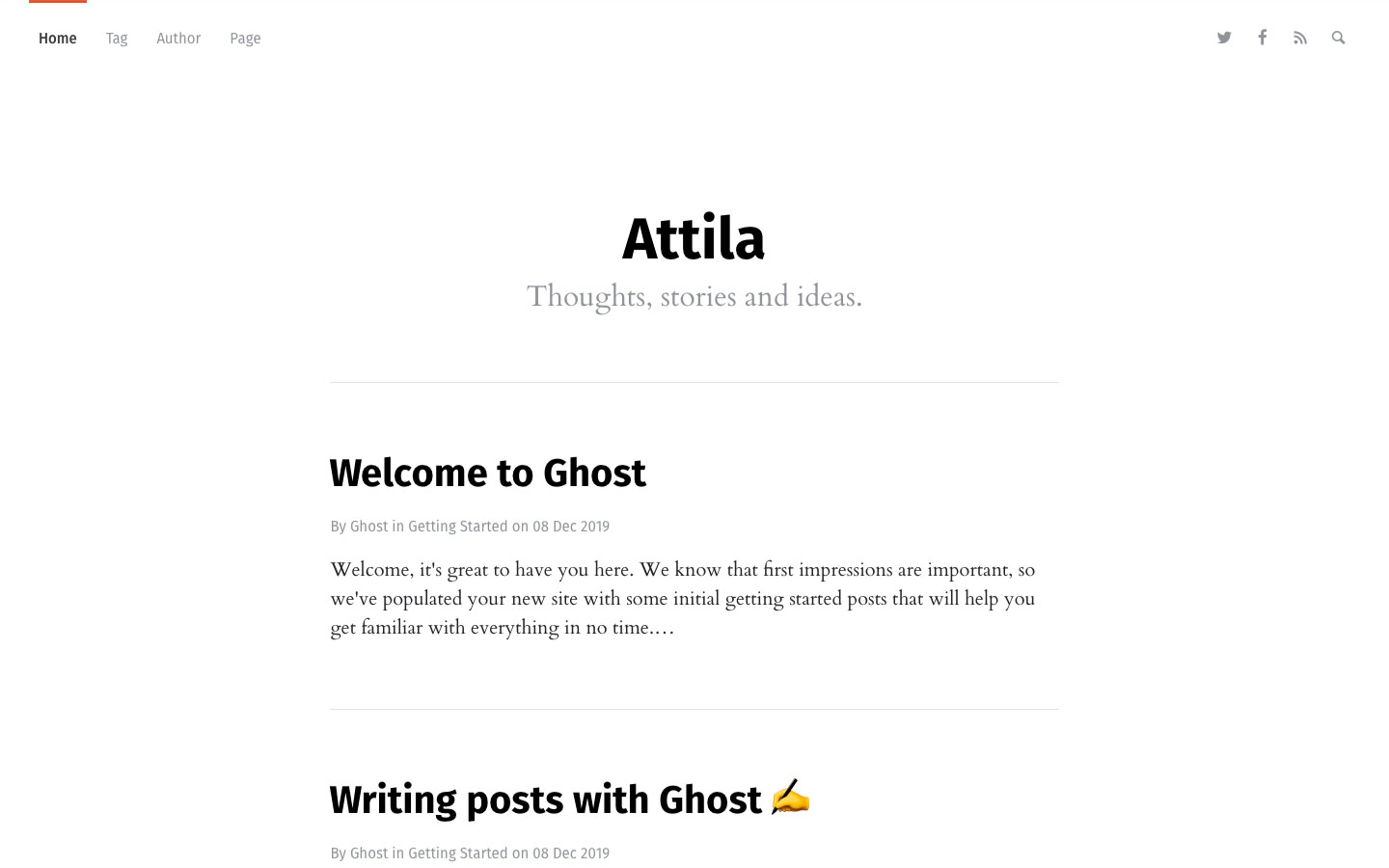
|
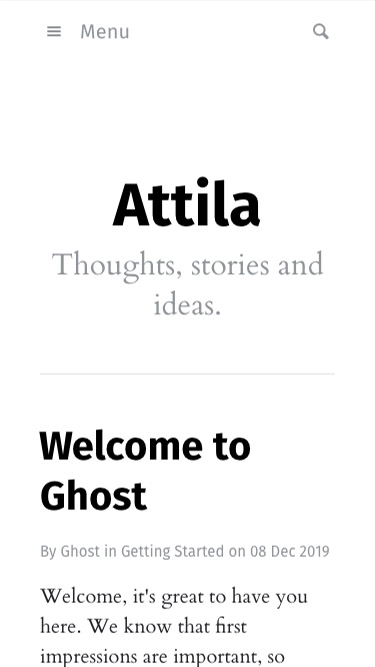
|
⭐️ Features
- Responsive layout
- Dark Mode
- Search & Tag archive
- Post reading progress
- Code highlight including line numbers
- Disqus support
🌍 Localization
- English
- German
- Spanish
- French by robink
- Italian by fmaida
- Norwegian by arthurnoerve
- Chinese by hao-lee
- Indonesian by simplyeazy
- Romanian by cdorin93
- Russian by schamberg97
- Turkish by cgrgrbz
- Swedish by martenj77
- Czech by lunakv
- Portuguese by matheusvanzan
- Vietnamese by JustHmmmm
🎨 Setup custom color
- Go to Code injection.
- Add this to Blog Header:
<style>
  :root {
    --color-primary: #D95736;
    --color-primary-active: #BF4526;
  }
</style>
🔠 Setup custom google fonts
- Go to fonts.google.com and choose a font.
- Choose Embed and copy the
<link>code. - Go to Code injection.
- Add this to Blog Header:
<link href="https://fonts.googleapis.com/css2?family=Mukta&display=swap" rel="stylesheet">
<link href="https://fonts.googleapis.com/css2?family=Crimson+Text&display=swap" rel="stylesheet">
<style>
  :root {
    --font-primary: 'Mukta', sans-serif;
    --font-secondary: 'Crimson Text', serif;
  }
</style>
💬 Setup Disqus
- Go to Code injection.
- Add this to Blog Header:
<script>var disqus = 'YOUR_DISQUS_SHORTNAME';</script>
🔍 Setup search
The search function is build with ghostHunter:
- Go to Integrations.
- Choose Add custom integration, name it
ghostHunterand choose Create. Copy the generated Content API Key. - Go to Code injection.
- Add this to Blog Header:
<script>
  var ghosthunter_key = 'PASTE_THE_GENERATED_KEY_HERE';
  //optional: set your custom ghost_root url, default is "/ghost/api/v2"
  var ghost_root_url = '/ghost/api/v2';
</script>
⚙️ Development
Install Grunt:
npm install -g grunt-cli
Install Grunt dependencies:
npm install
Build Grunt project:
grunt build
The compress Grunt task packages the theme files into dist/<theme-name>.zip, which you can then upload to your site.
grunt compress
⚖️ Copyright & License
Copyright (C) 2015-2020 Peter Amende - Released under the MIT License.