For Notion,OneNote,Bear,Yuque,Joplin。Clip anything to anywhere
- TypeScript 95.5%
- JavaScript 2.7%
- Less 1.3%
- HTML 0.4%
| .github | ||
| .vercel | ||
| .vscode | ||
| chrome | ||
| dist | ||
| documents/privacy | ||
| script | ||
| src | ||
| webpack | ||
| .dockerignore | ||
| .eslintignore | ||
| .eslintrc.js | ||
| .gitignore | ||
| .nowignore | ||
| .prettierrc | ||
| .yarnrc | ||
| config.json | ||
| DingTalk.jpeg | ||
| Dockerfile | ||
| jest.config.js | ||
| LICENSE | ||
| now.json | ||
| package.json | ||
| README.md | ||
| tsconfig.json | ||
| yarn.lock | ||


Web Clipper


You can use Web Clipper to save anything on the web to anywhere.
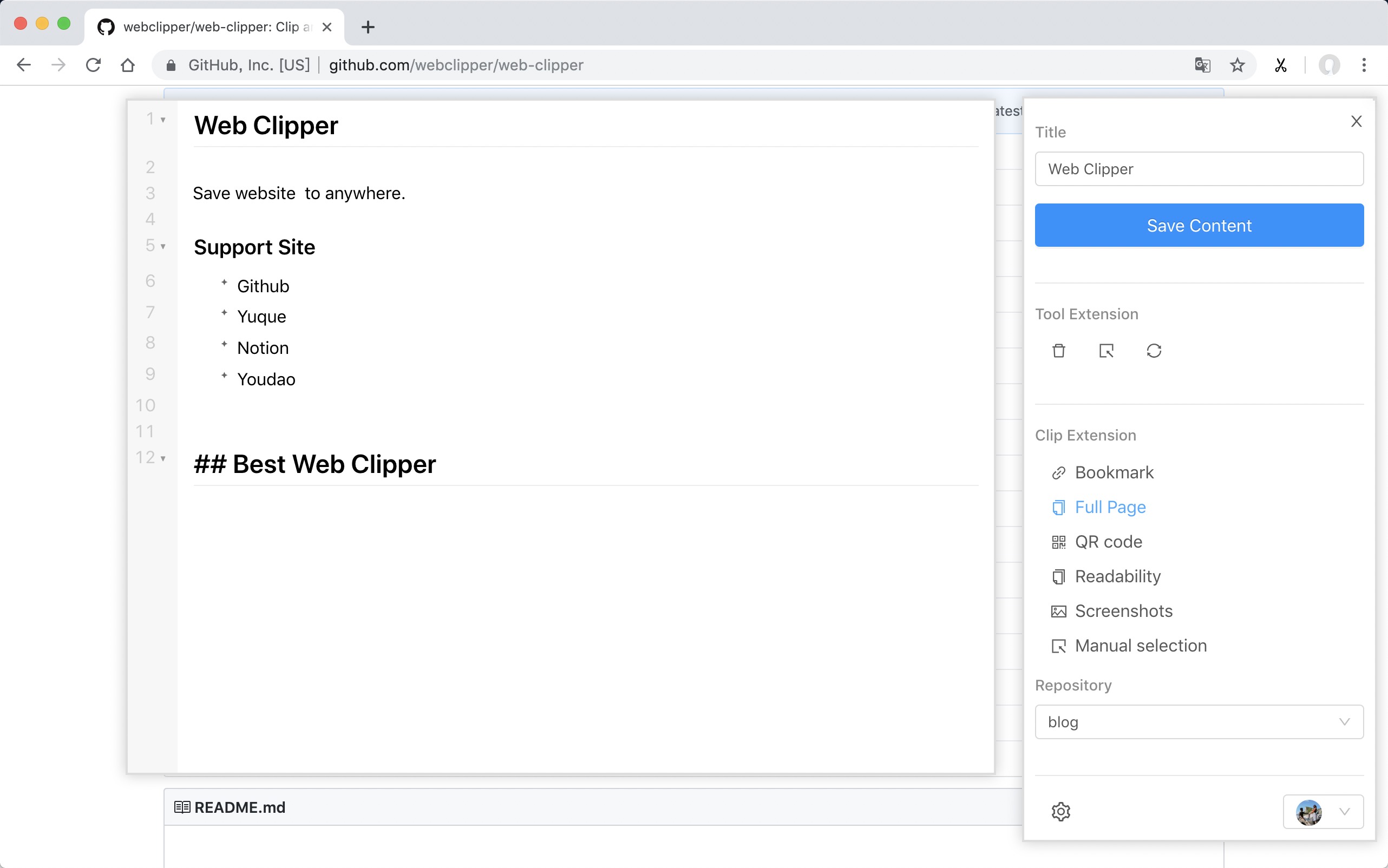
Support Site
Install
-
Firefox 1.28.0
-
Chrome 1.27.0
-
Chrome Beta 1.27.0
-
Edge 1.27.0
ps: Because the review takes a week, the version will fall behind.
From Github
- Download the webclipper.zip from release page
- Go to chrome://extensions/ and check the box for Developer mode in the top right.
- Locate the ZIP file on your computer and unzip it.
- Go back to the chrome://extensions/ page and click the Load unpacked extension button and select the unzipped folder for your extension to install it.
Develop
$ git clone https://github.com/webclipper/web-clipper.git
$ cd web-clipper
$ yarn
$ yarn dev # Chrome
$ yarn dev:ff # Firebox
Test
$ yarn test
Feedback
| Type | Link |
|---|---|
| DingTalk |  |
| Telegram | Link |